

Listen to 933 The Breeze on Alexa
STEP #1) Enable our Skill
(OPTION 1) Enable with your Voice
Say “Alexa, ENABLE The Breeze Radio SKILL“
(OPTION 2) Enable via the Alexa App manually
- Download the Alexa App
- Go to the menu, and select Skills
- When you find a skill you want to use (ex: 933 The Breeze), select it to open the Aleax Skill details.
- Select the Enable Skill option
(OPTION 3) Enable through the Amazon website: https://www.amazon.com/skills.
Step #2) Stop or Re-start the Skill
- To stop say “Alexa, STOP”
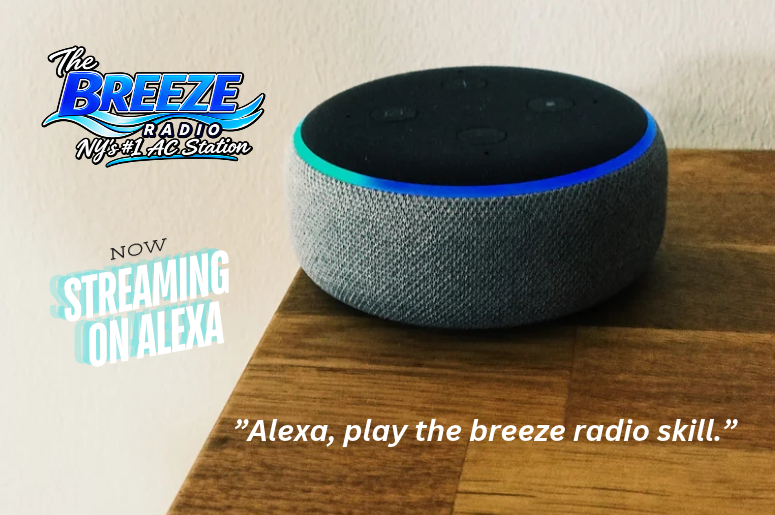
- To activate say “Alexa, Play The Breeze Radio Skill”